
Simple editors
Easy to start
Eventually hit limitations

A video editor built by an editor.
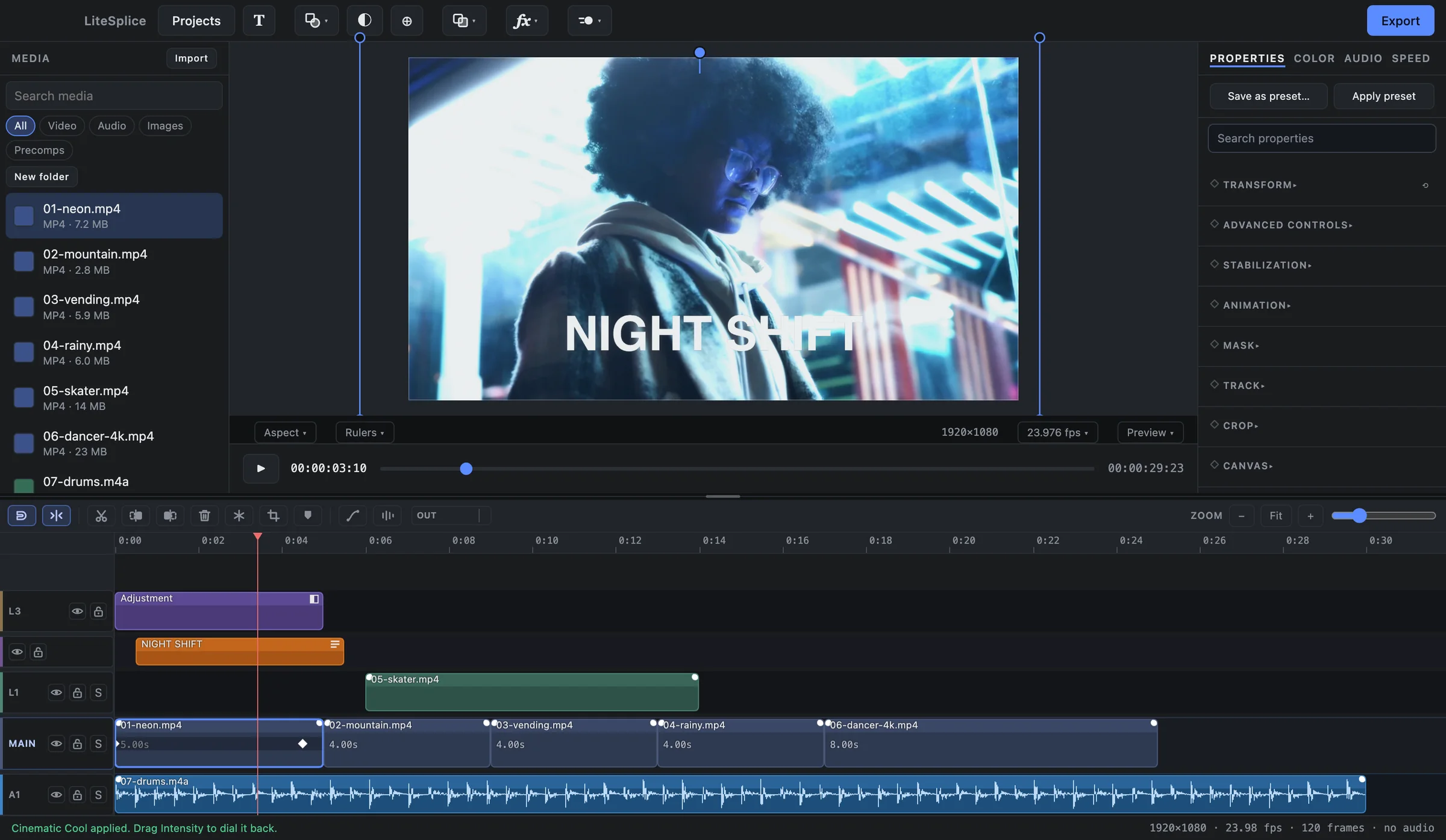
LiteSplice is a free desktop video editor built to give you powerful editing, animation, effects, compositing, color, and AI tools without the complexity getting in your way.
Pricing
LiteSplice is free to use. No account. No trial. No watermark.
The core LiteSplice editor is free and will continue to grow with new features, effects, presets, and performance improvements.
LiteSplice Studio is a future paid edition focused on advanced professional capabilities, including a full 3D workspace. Today's LiteSplice features are not being placed behind a Studio paywall.
Why LiteSplice
Simple editors are easy to start with, and eventually you hit their limits. Advanced editors have enormous power, and a steep climb to reach it. LiteSplice is designed for the space between.
Easy to start
Eventually hit limitations
Powerful
Steeper learning curve
Easy to start
Room to grow
The story
“LiteSplice started from a simple frustration: why should getting more control require accepting a much harder workflow?”
I edit every day. One channel is PUBG Mobile — fast, formulaic short-form edits that go out daily. The other is movie edits — many layers, stacked audio, keyframes, effects, compositing.
I used CapCut constantly and knew it inside out. I tried After Effects, and found myself going back. One was quick until it ran out of road; the other had the road and made every step of it harder.
So instead of accepting the limitation, I started building the editor I wanted to use.
Built by an editor, for editors.
Read the full storyPhilosophy
LiteSplice isn't limited to a small selection of keyframeable properties. Effect settings, transforms, color, text — every parameter can be keyframed directly.
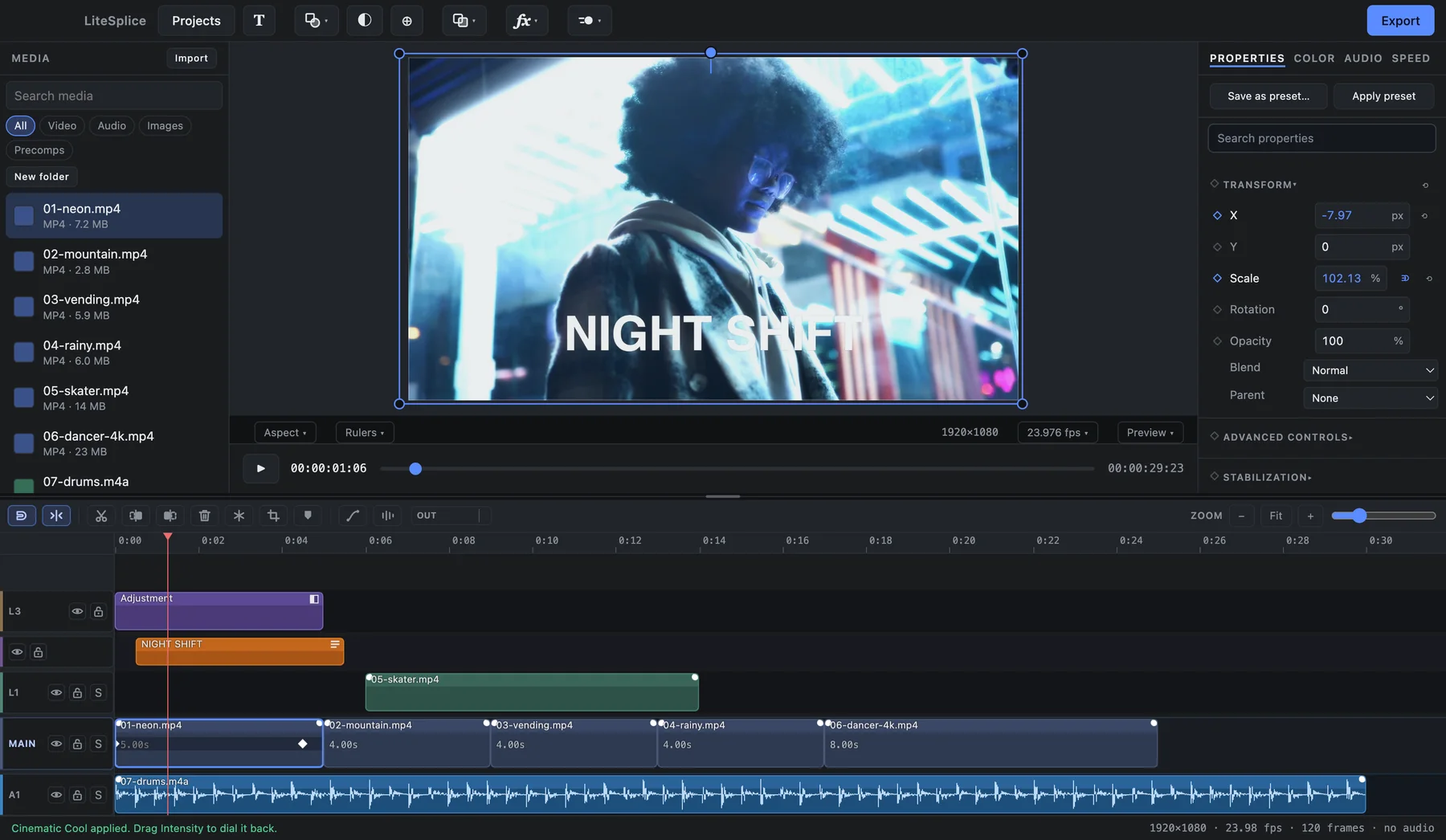
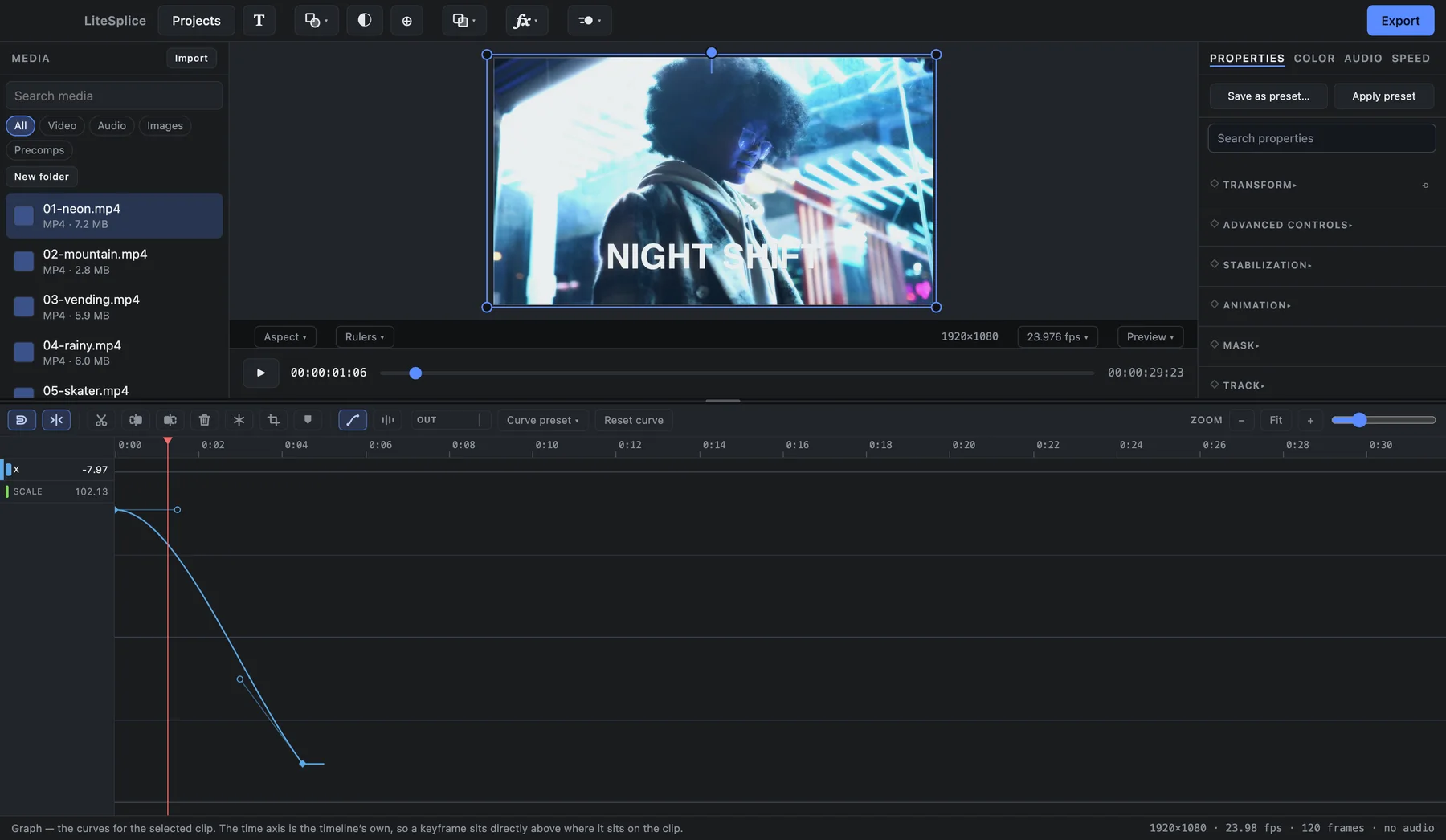
Every keyframe is a bezier curve from the start. Open the graph editor on any of them and shape the motion exactly — ease, overshoot, hold.
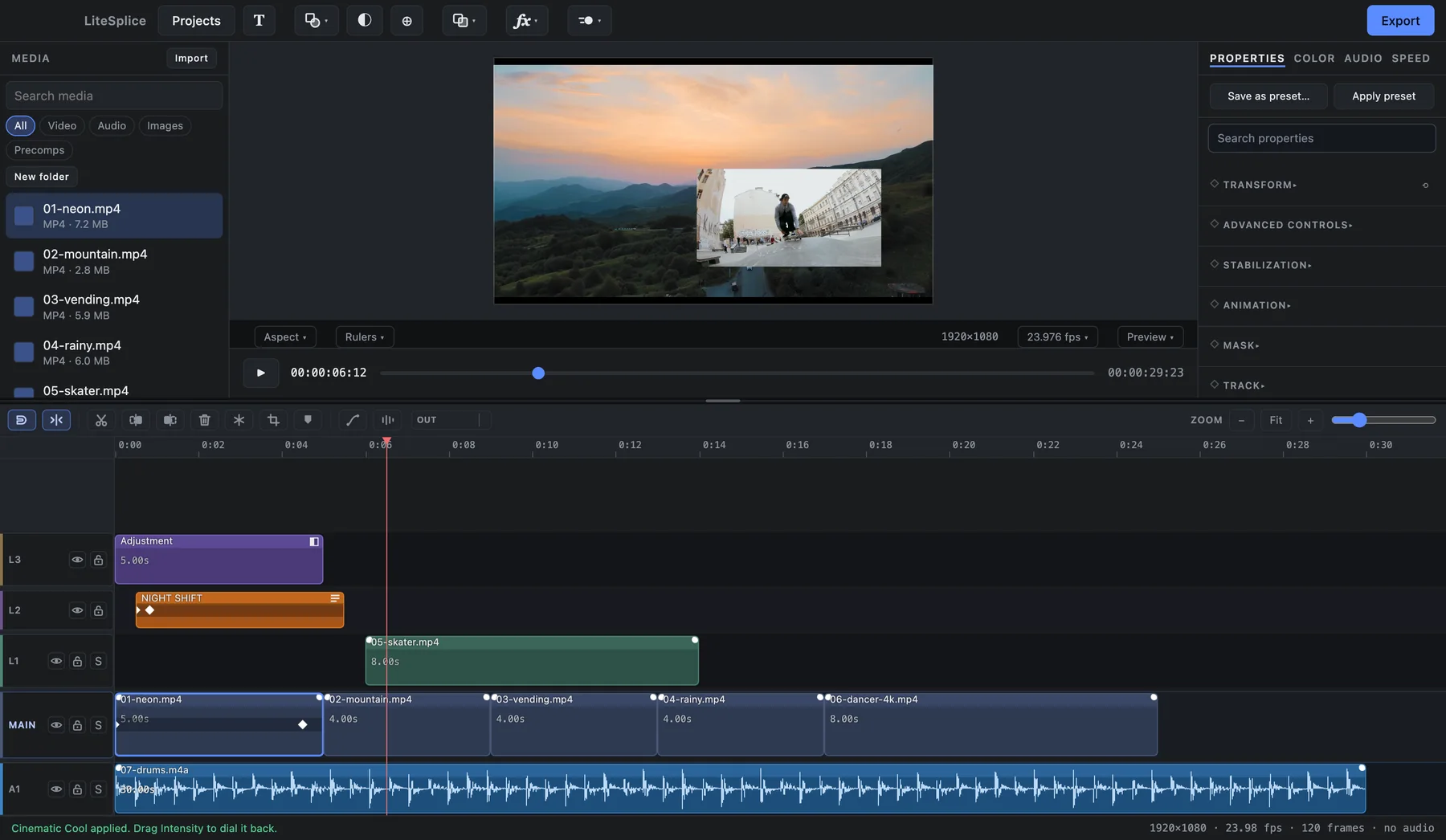
Effects are modular building blocks. A preset is simply a stack of effects and keyframes — apply it, then open it up and change any part of it.
If something moves, you can see what moved it.
= ordinary effects + keyframes · all editable
Smart tools
LiteSplice's AI features run locally on your computer. Your footage isn't uploaded to a cloud service, and every AI-assisted action leaves editable data behind — a mask, keyframes, audio clips — instead of an opaque result.
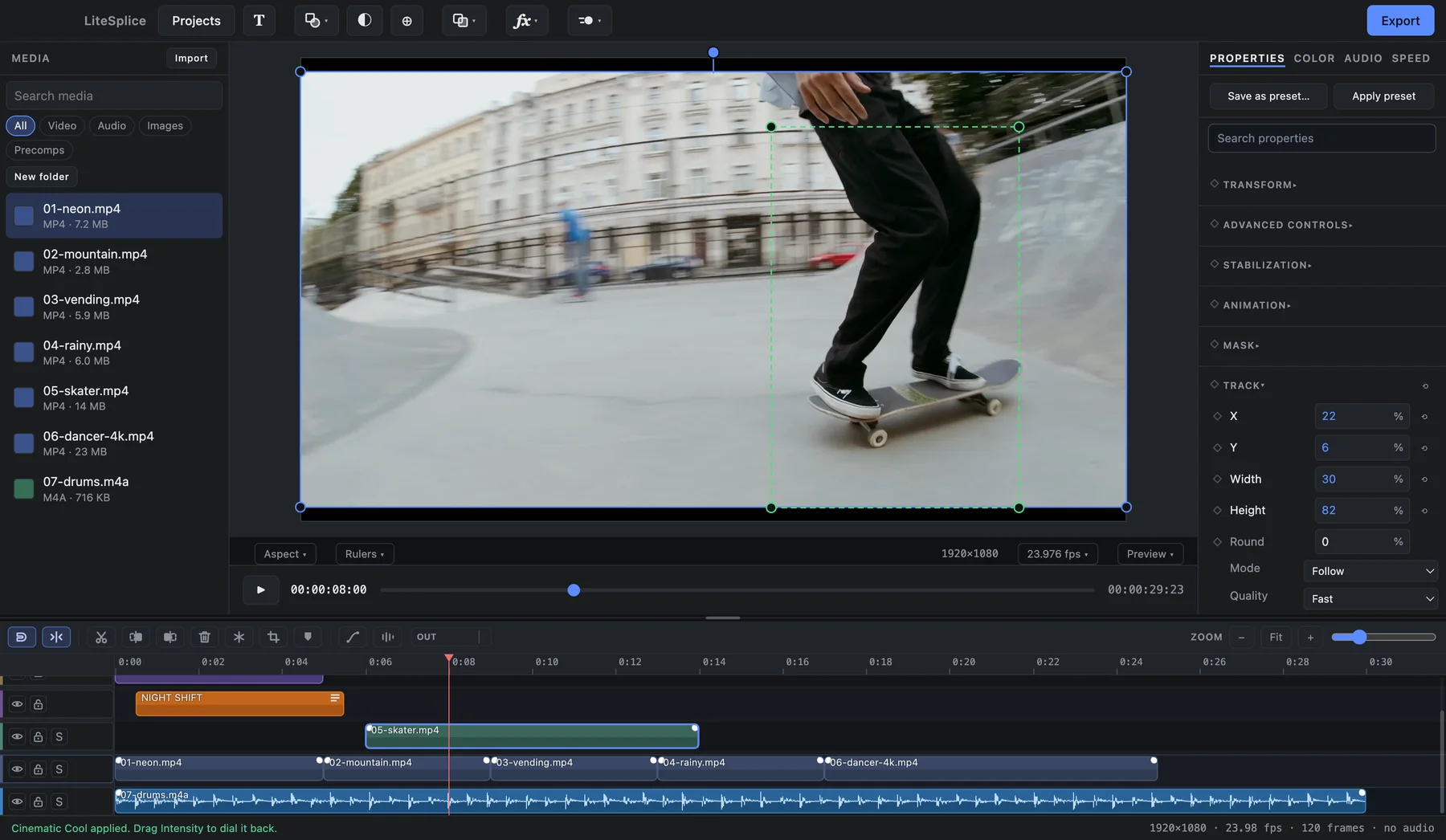
Tracking — draw a box once and it follows the subject through the shot.
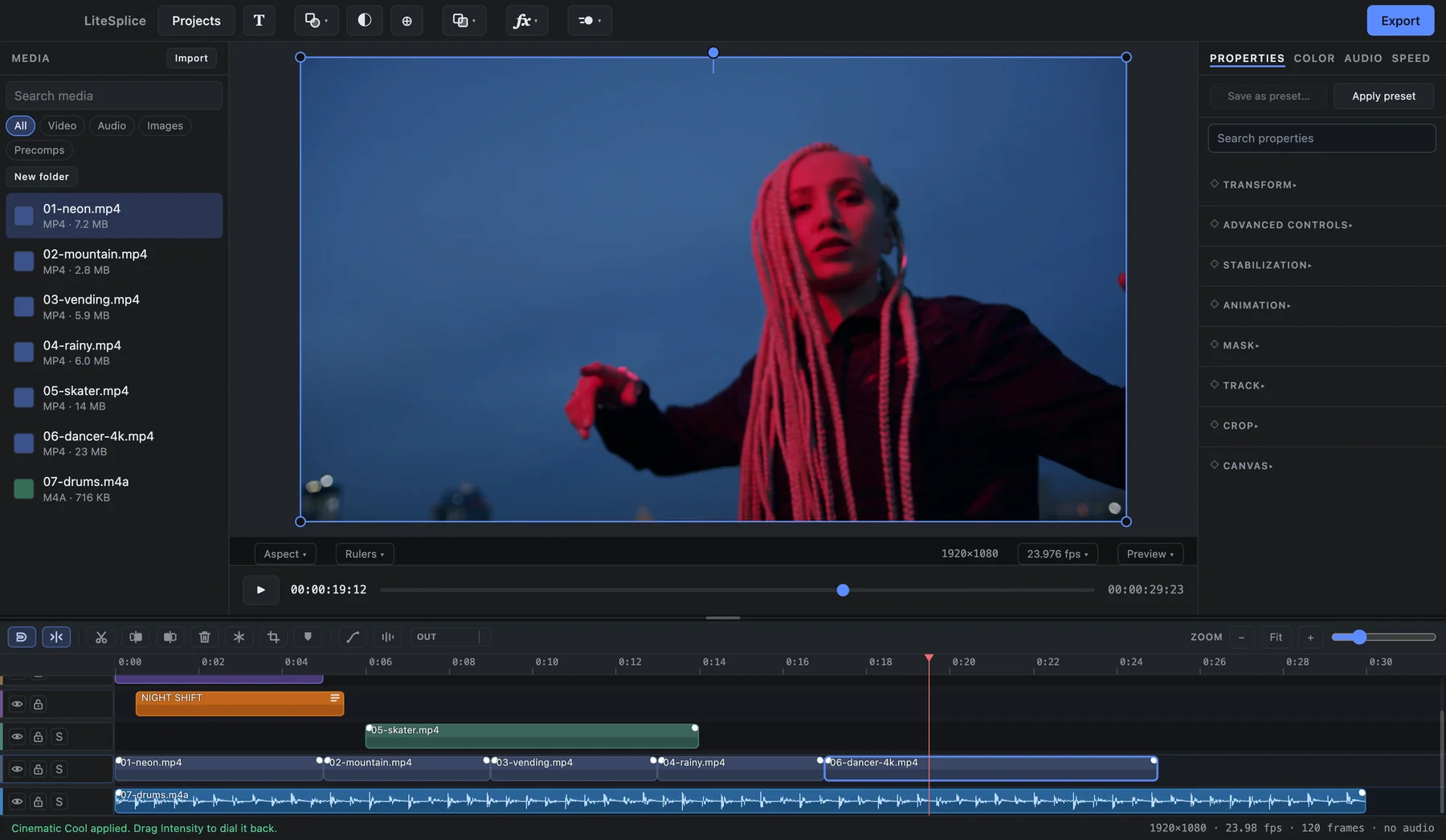
4K footage on the timeline
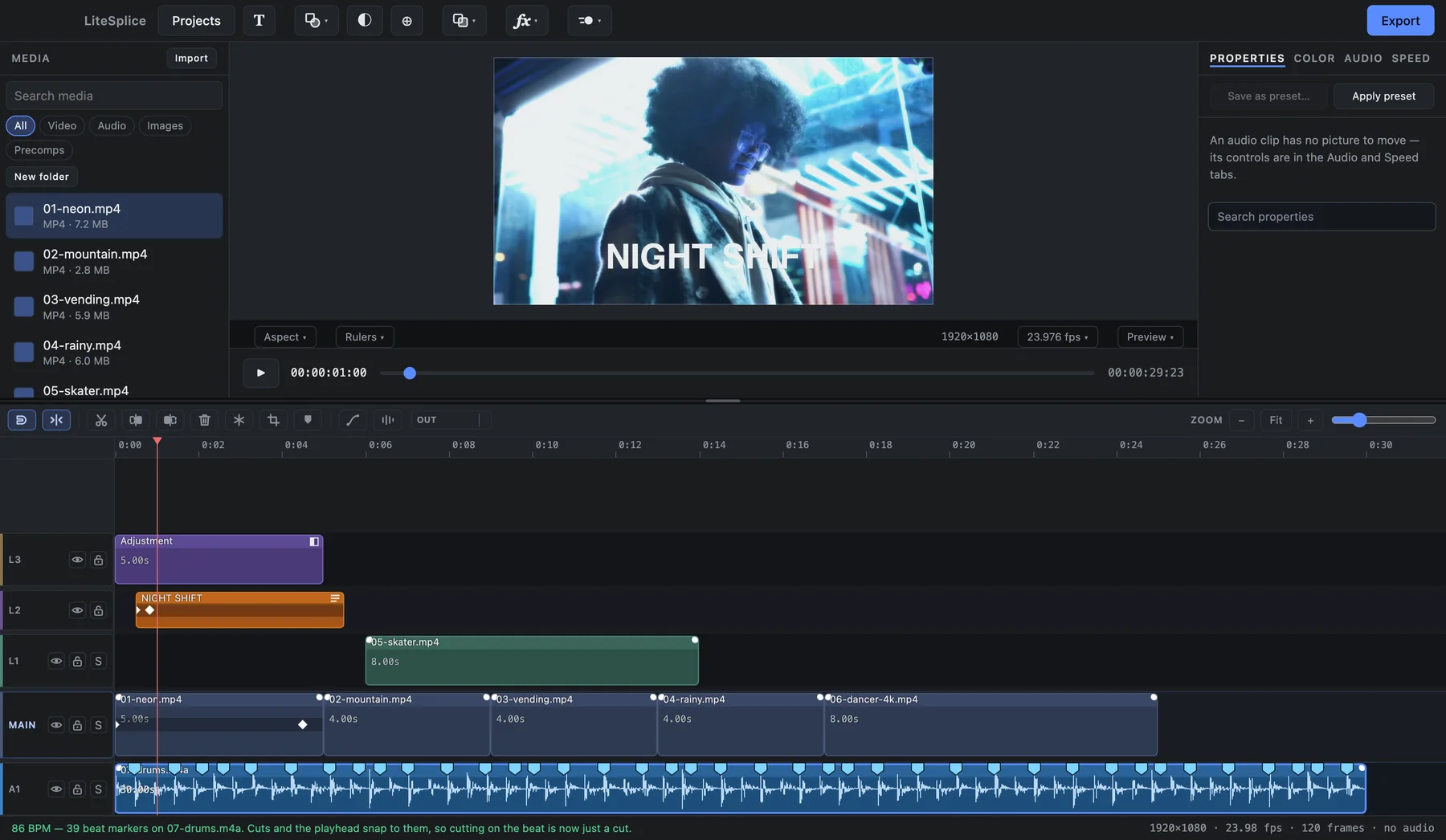
Beat detection
AI should accelerate the workflow without taking control away from the editor.
Privacy
LiteSplice's installer is large because its AI models run on your computer rather than being processed in the cloud. That's the point.
What it does
A look across the editor. The full list lives on the features page.
Stack as many layers as the edit needs, cut fast on a magnetic main track, and nest anything inside anything.
Transforms, effect settings, color, text — if it has a value, it can have keyframes, and every keyframe has a curve you can shape.
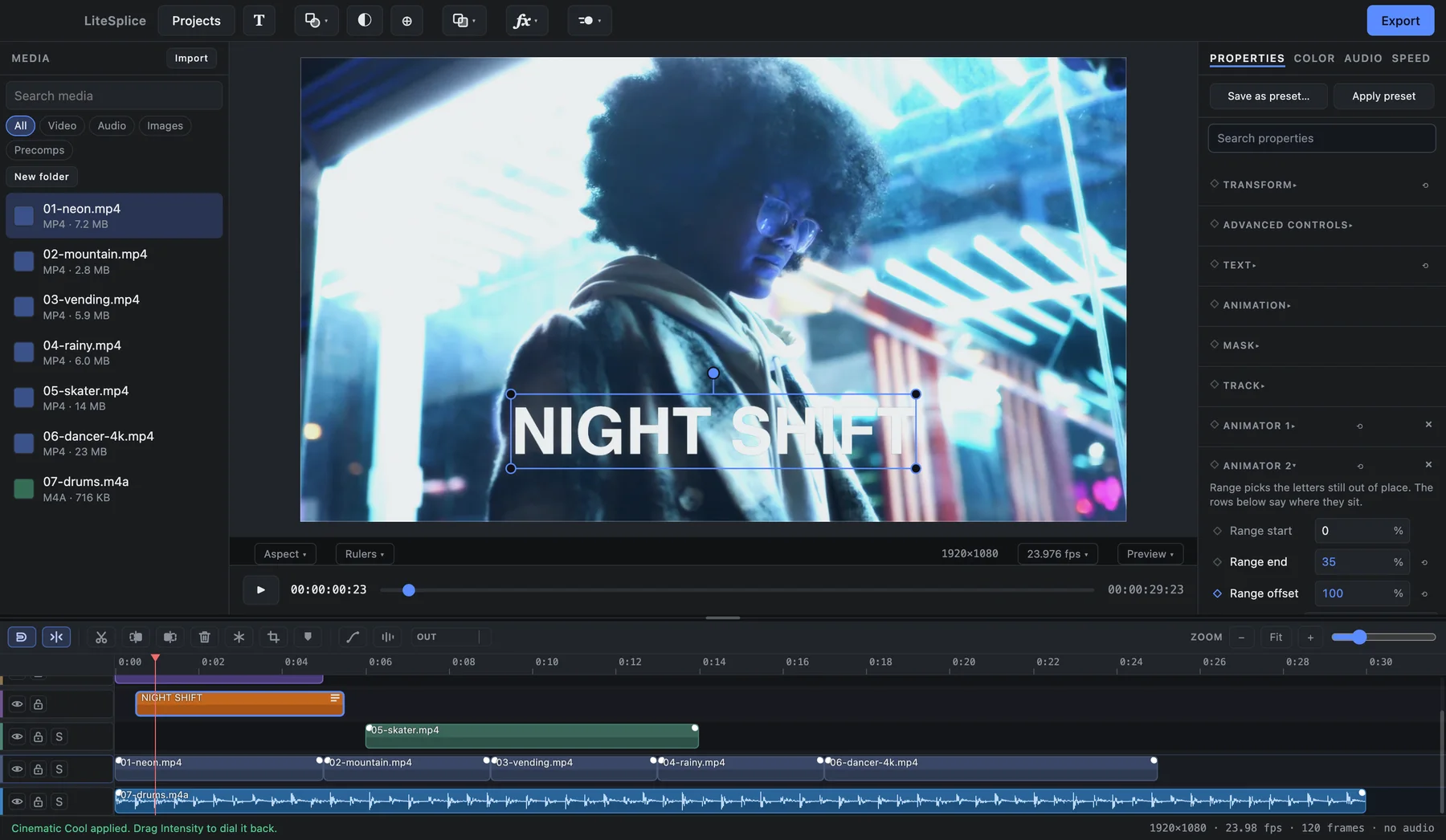
Every character can be animated on its own, with the styling a title actually needs.
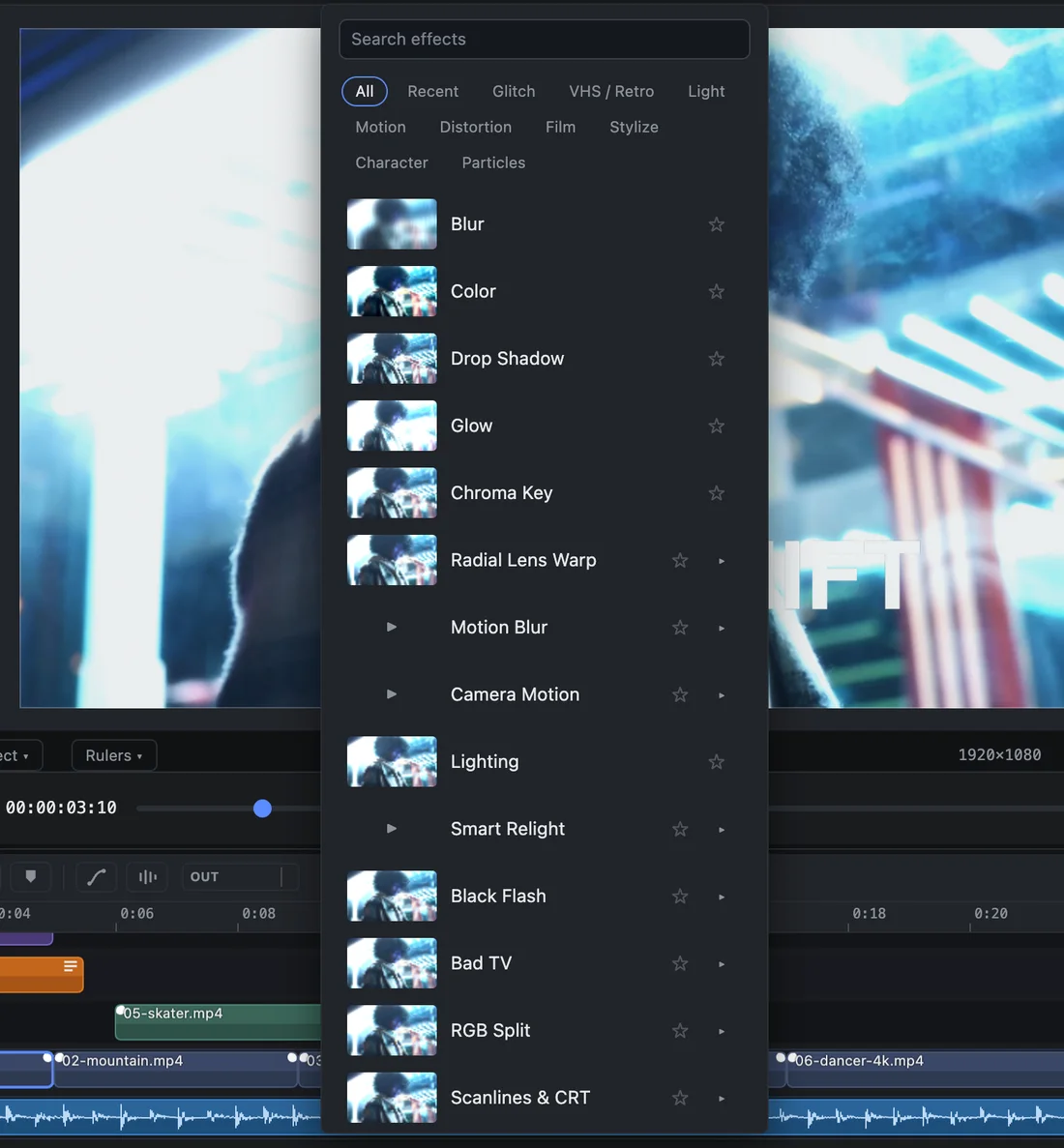
Effects are building blocks you stack, reorder, switch off and keyframe. A browser shows each one on your own clip before you pick it.
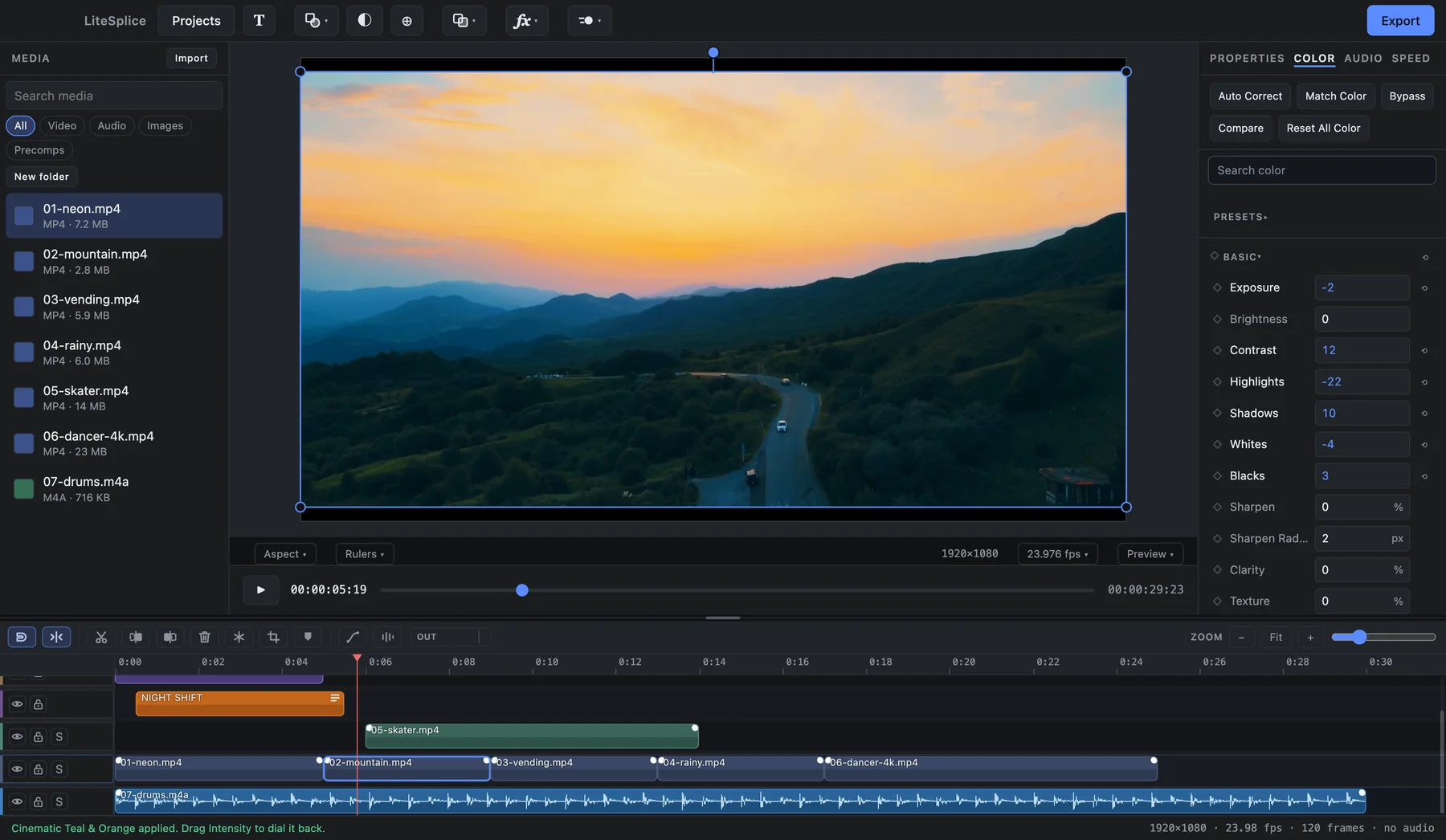
Primary correction, creative looks and the scopes to check them — in a tab of its own.
The AI tools run on your computer. Each one leaves ordinary data behind — a mask, keyframes, audio clips — that you can open and change.
Audio is the master clock — the picture follows the sound, so cuts stay tight.
The export is drawn by the same renderer as the preview — and automated tests compare the two pixel for pixel.
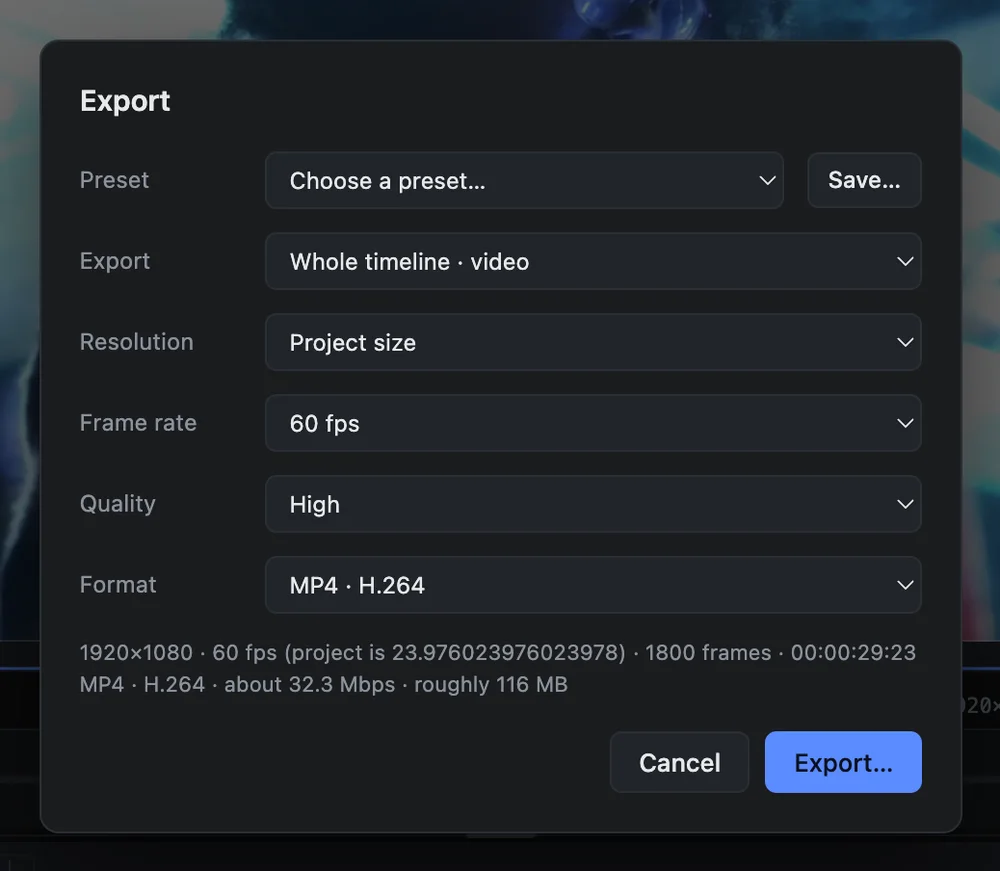
Performance & export
Smooth scrubbing and playback are treated as requirements, not polish. And the export is drawn by the same renderer as the preview, so what you see is what you get.
Free now · Studio later
LiteSplice is already a complete editor. Studio is for people who eventually want to go further.
Available now
The current editor — everything described on this site.
In the future · no date
For substantially more advanced professional work, built around a full 3D workspace. Directions being explored:
Today's LiteSplice features stay in LiteSplice. Nothing is being moved behind a paywall.
Community
The Discord is where LiteSplice gets talked about, broken, and made better.

Free for Windows today. Coming to Apple Silicon Macs.
Download LiteSplice